Go-e
Download the Go-e mobile app and follow these steps:
- Add a new charging station using the provided QR code.
- Connect to the charging station's hotspot, then select your own Wi-Fi network and enter the Wi-Fi password.
- The charging station will then be connected to your local network (LAN) and have internet access. The charging station can only be connected via Wi-Fi — it has no Ethernet port.
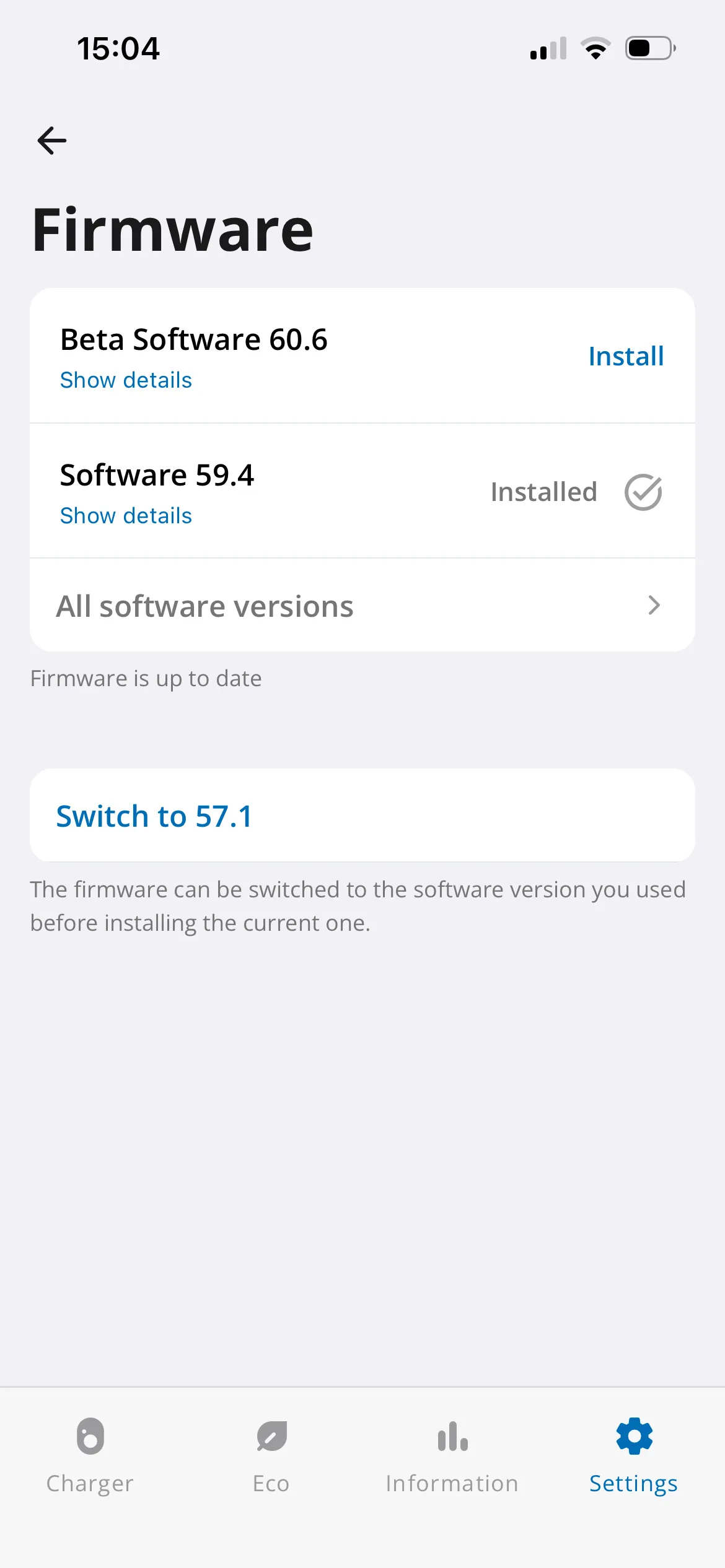
Next, update the charging station's firmware via the mobile app.
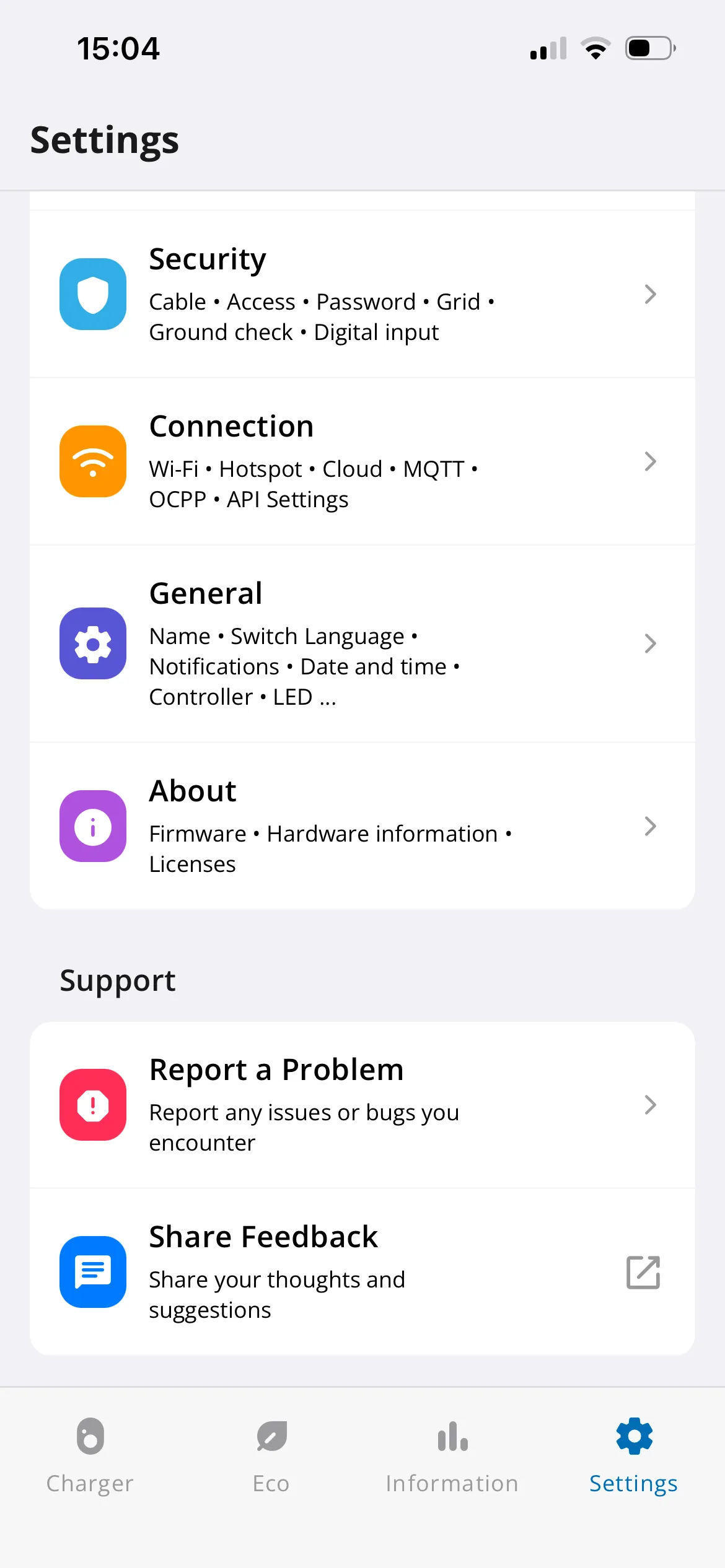
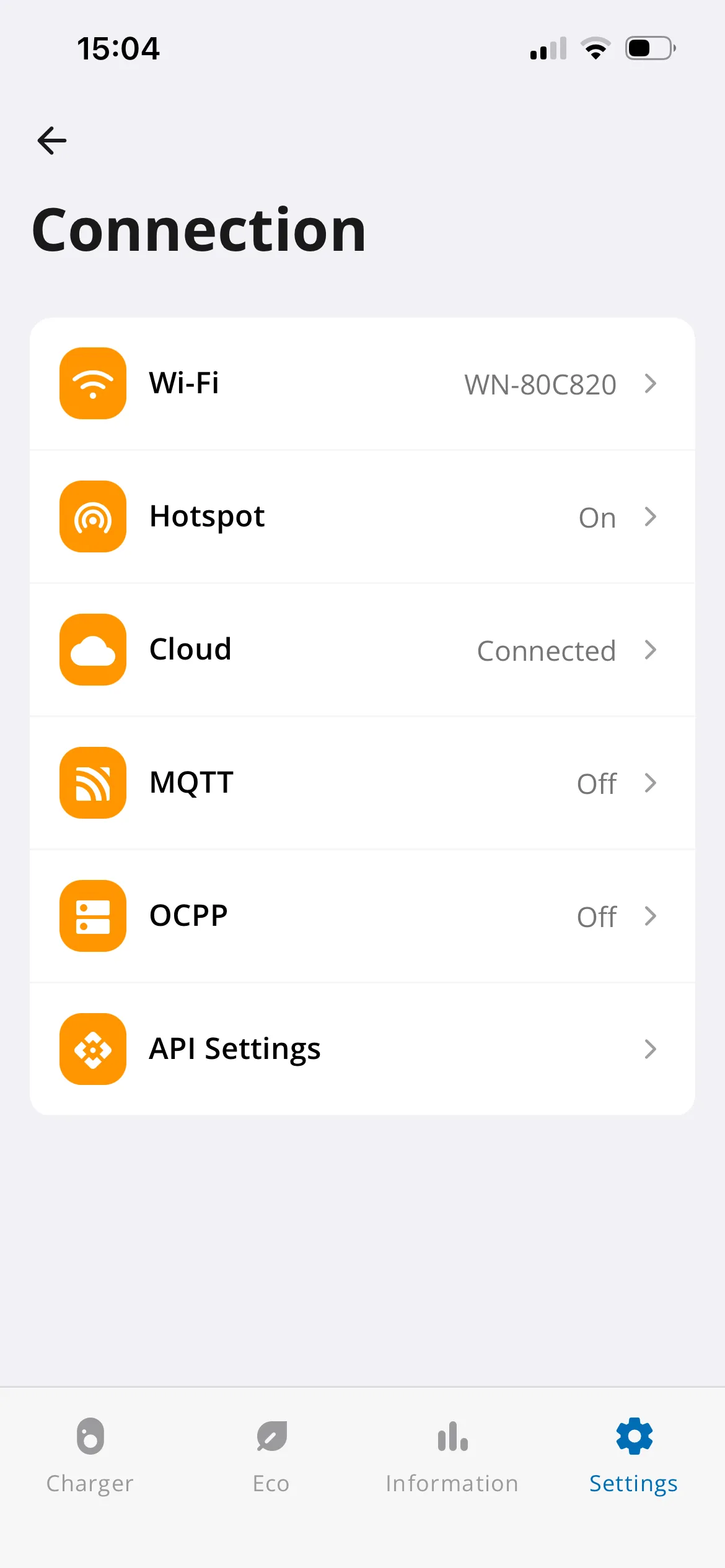
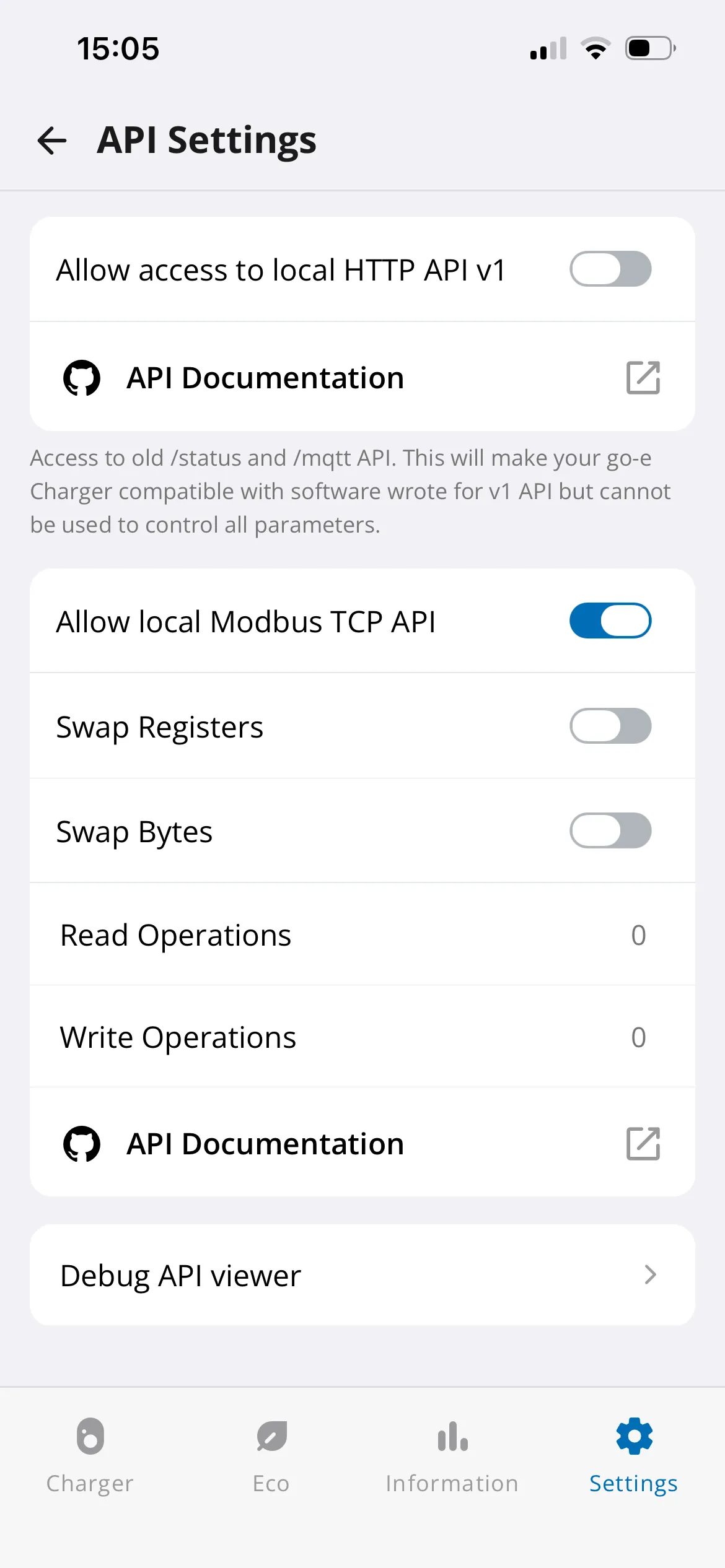
Then enable Modbus TCP: go to Settings > Connection > API Settings and turn on "Allow local Modbus TCP API" (see the following images).