How can I create a charging station authentication token for a third-party system?
To create a token, go to the load management settings, select the desired installation and click Edit for the desired charging station.
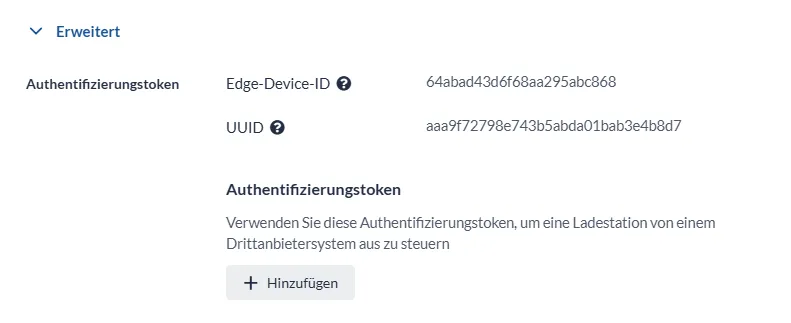
In the new window, select Advanced at the bottom. In the section Authentication tokens, select Add.
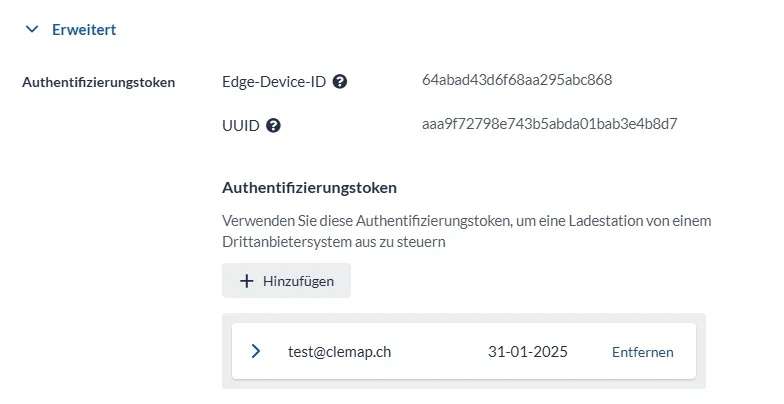
You need the Edge device ID and the UUID of the charging station shown here in your third-party system in order to control the charging station.
In the next step, enter the e-mail address of the person who will use the token. The e-mail address does not have to belong to a registered Floem user. You can also define the token's permission: whether the token can only read data from the charging station (View only) or can also control the charging station (View & edit).
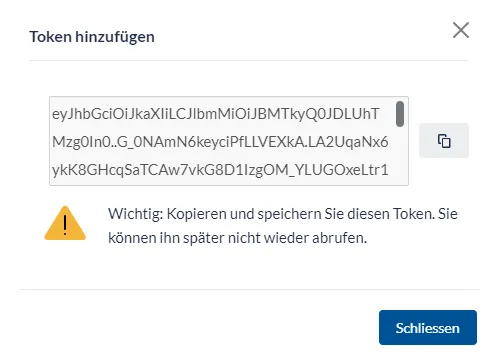
Next, you will see the newly created authentication token for this charging station.
This is the only moment you can see the token. It is important that you copy the token and store it in a safe place. This token must be entered in the third-party system in order to control the charging station.
After creation, you will see the token in the list. There you can also remove tokens that are no longer needed. This invalidates the token, and it can no longer be used to read data or control the charging station.