smart-me Pico
1) Installation:
Before you can use your smart-me device, you need to connect it to your Wi-Fi network.
- Connect your smartphone or tablet to the WLAN.
- Download and install the free smart-me app or go to https://smart-me.com/Login.aspx. (You can also login in the browser on a computer).
- Start the app and create a free account or create an account in the online portal.
- Click on "Add device" (+) and follow the instructions.
- Select WLAN
- Enter password (WLAN)
- Hold the RFID card supplied against the reader for 10 seconds
- Connect phone to the local WLAN of the Pico (networks: smartme_serial number) and hold.
- Return to the app
- Enter the display name of the Pico and complete the installation.
2) Configuration:
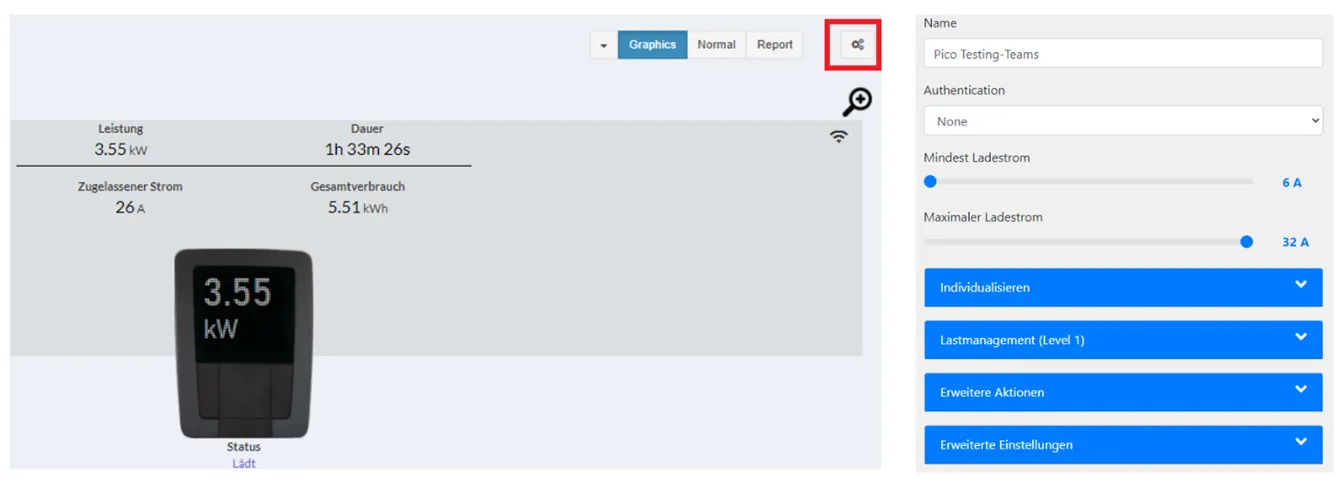
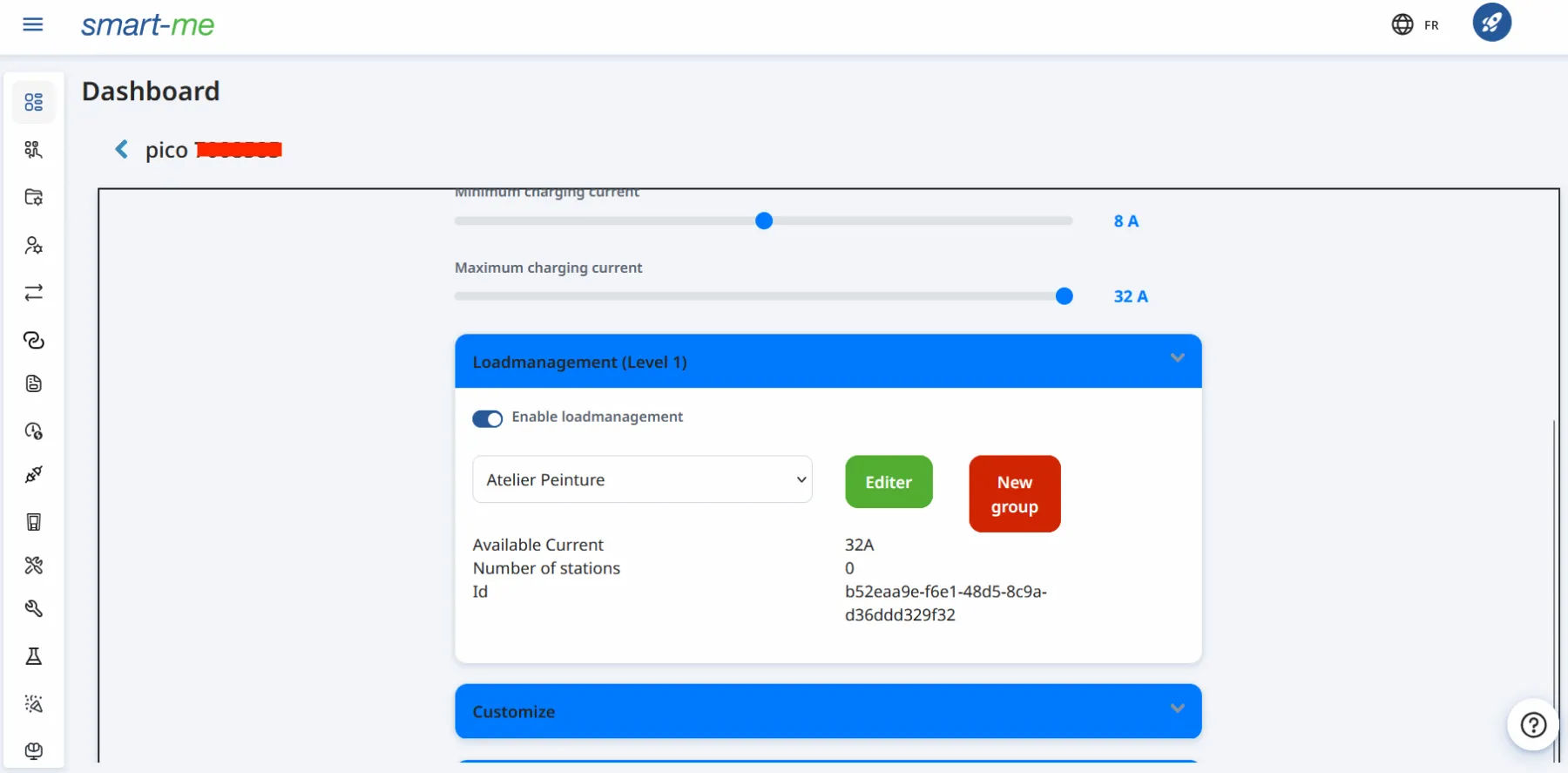
IMPORTANT: Make sure all of your chargers are in a different loadmanagement group in the smart-me API.
One loadmanagement group pro charger. Since the load management is made to each individual loadmanagement group.
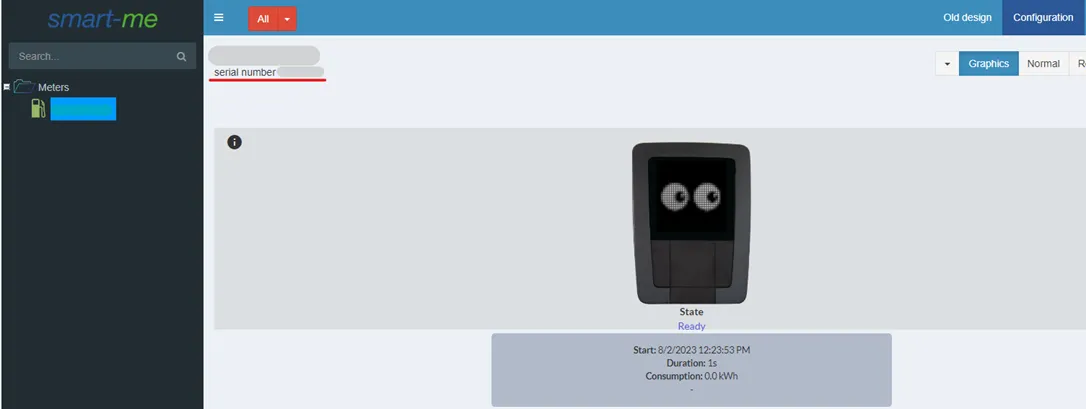
- Get the charger's serial number from the page (underlined red in image. E.g. 7000200).
- Please do ignore all the zeros in front of the serial number if there are any: For example if the number is 007000200 or 07000200, use 7000200.
- Enter serial number in your FLOEM configuration for your Pico station.
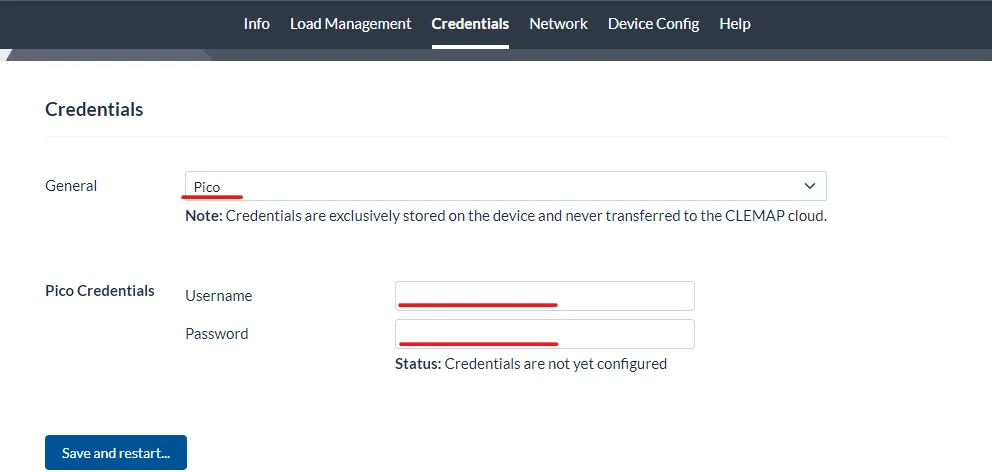
3) In your local Webinterface ([IP_ADDRESS]:4000/settings/credentials), in the "credentials" tab encrypt your smart-me username and password.
Please make sure you pick the encryption for Pico and not other loading station brand.
4) Once encrypted, enter the serial number into the CLEMAP platform.
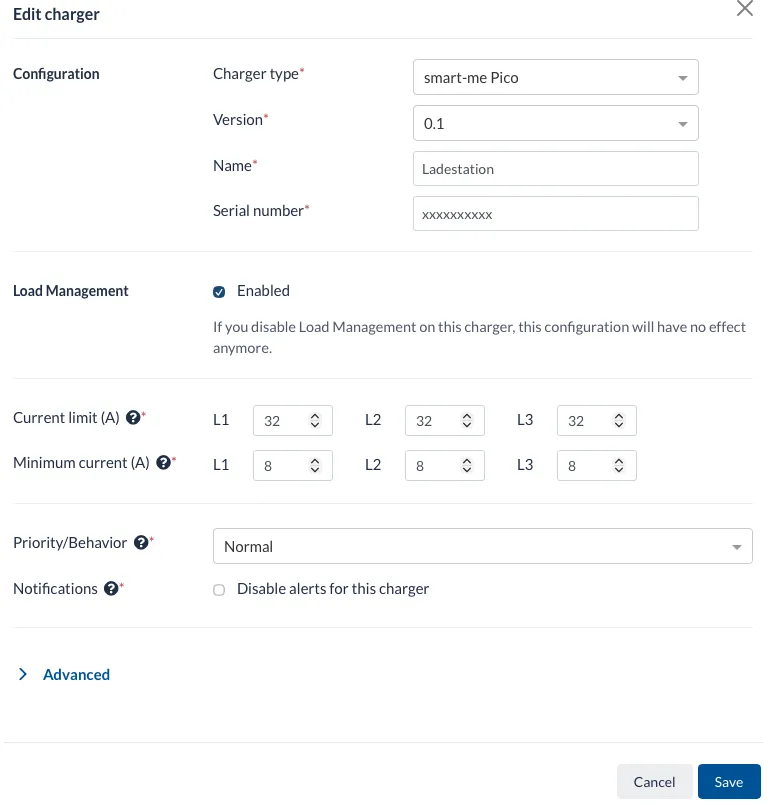
Important: The limits configured in Floem must match those configured in the online portal.