Weidmüller AC Wallbox Business
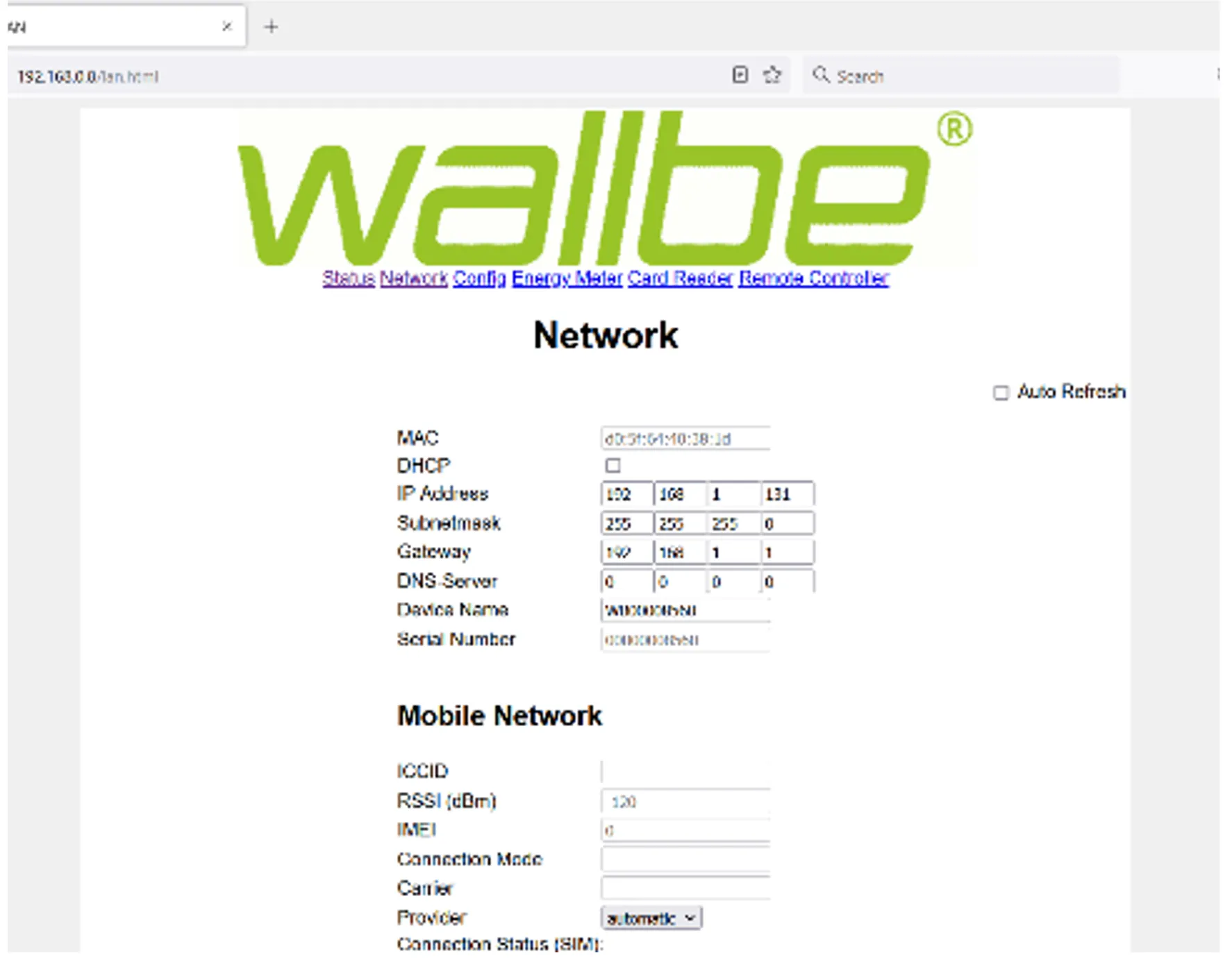
- Leave DHCP enabled on the charging station.
- Assign a fixed IP address to the charging station via the router (using its MAC address).
- First, set the IP address of the charging station.
- If you power off the charging station, wait at least 40 seconds before switching it on again.
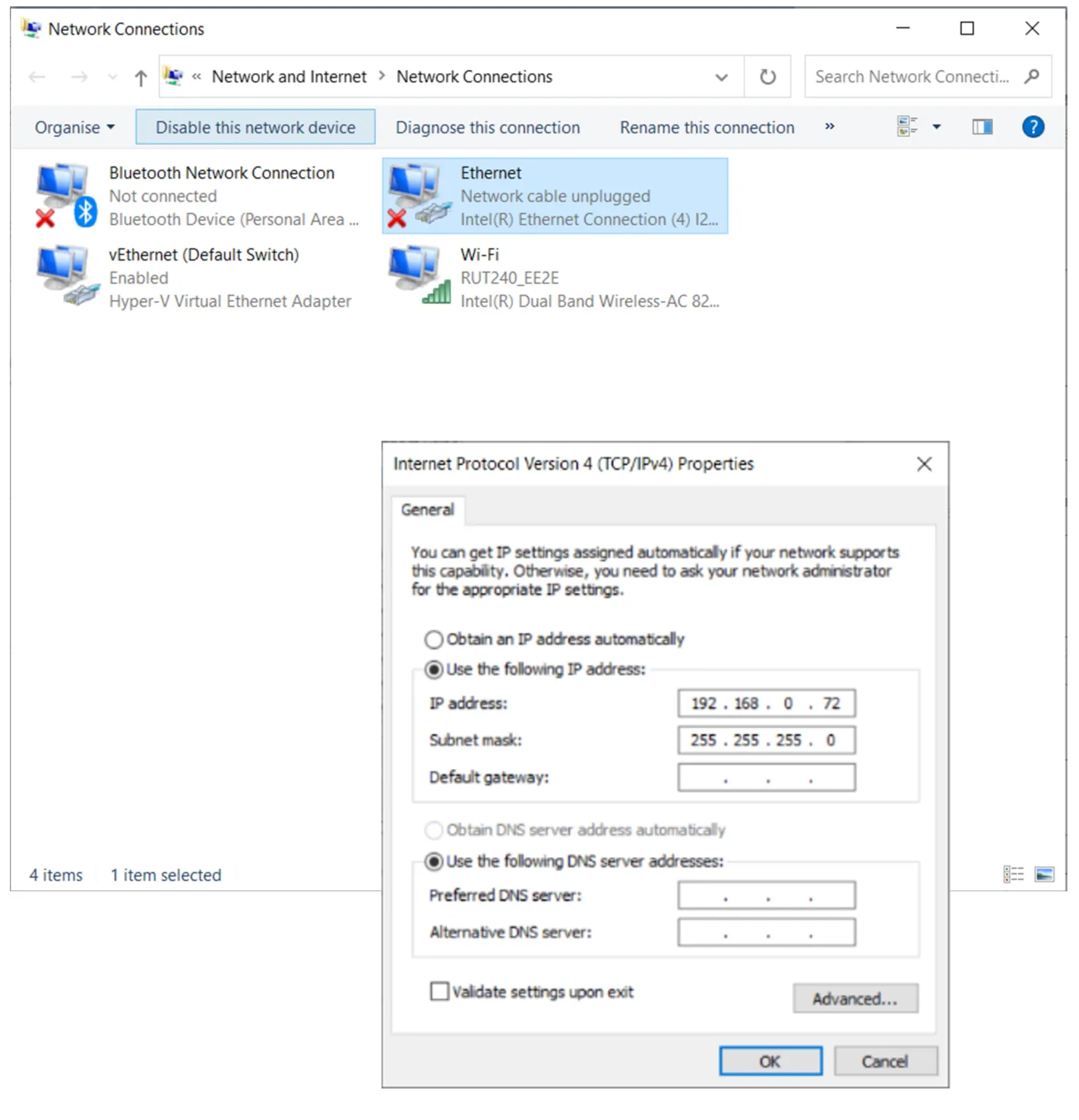
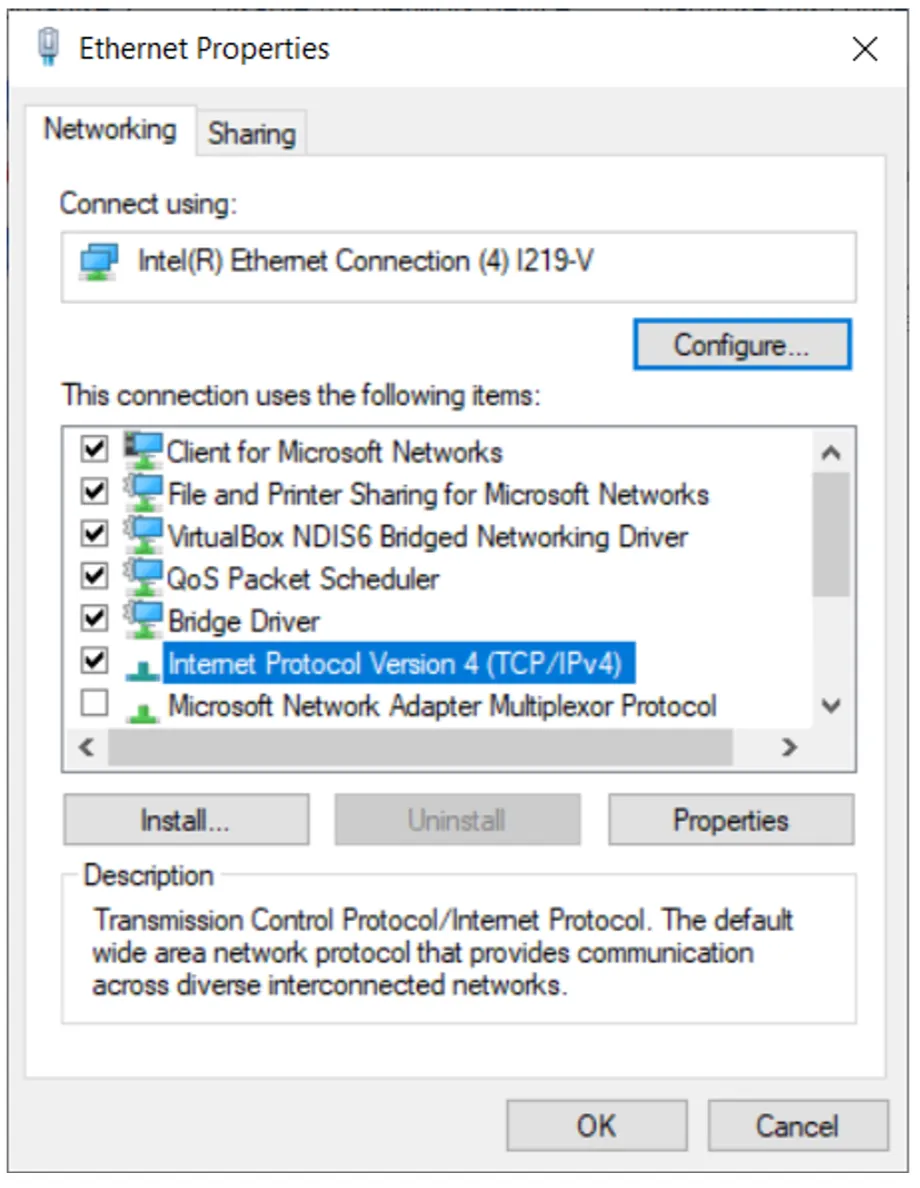
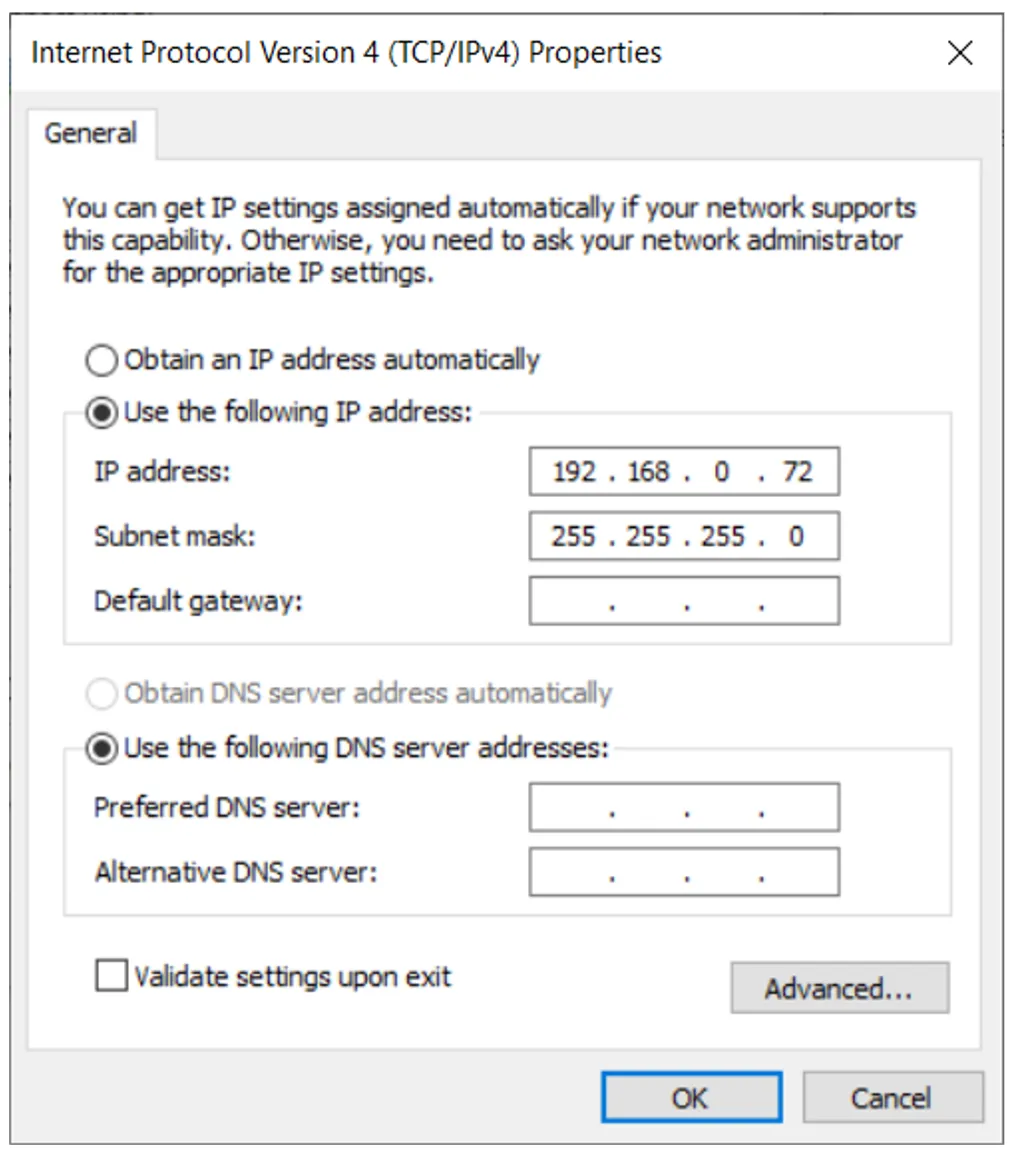
- On your laptop, set the network so that it is in the same subnet as the Weidmüller device.
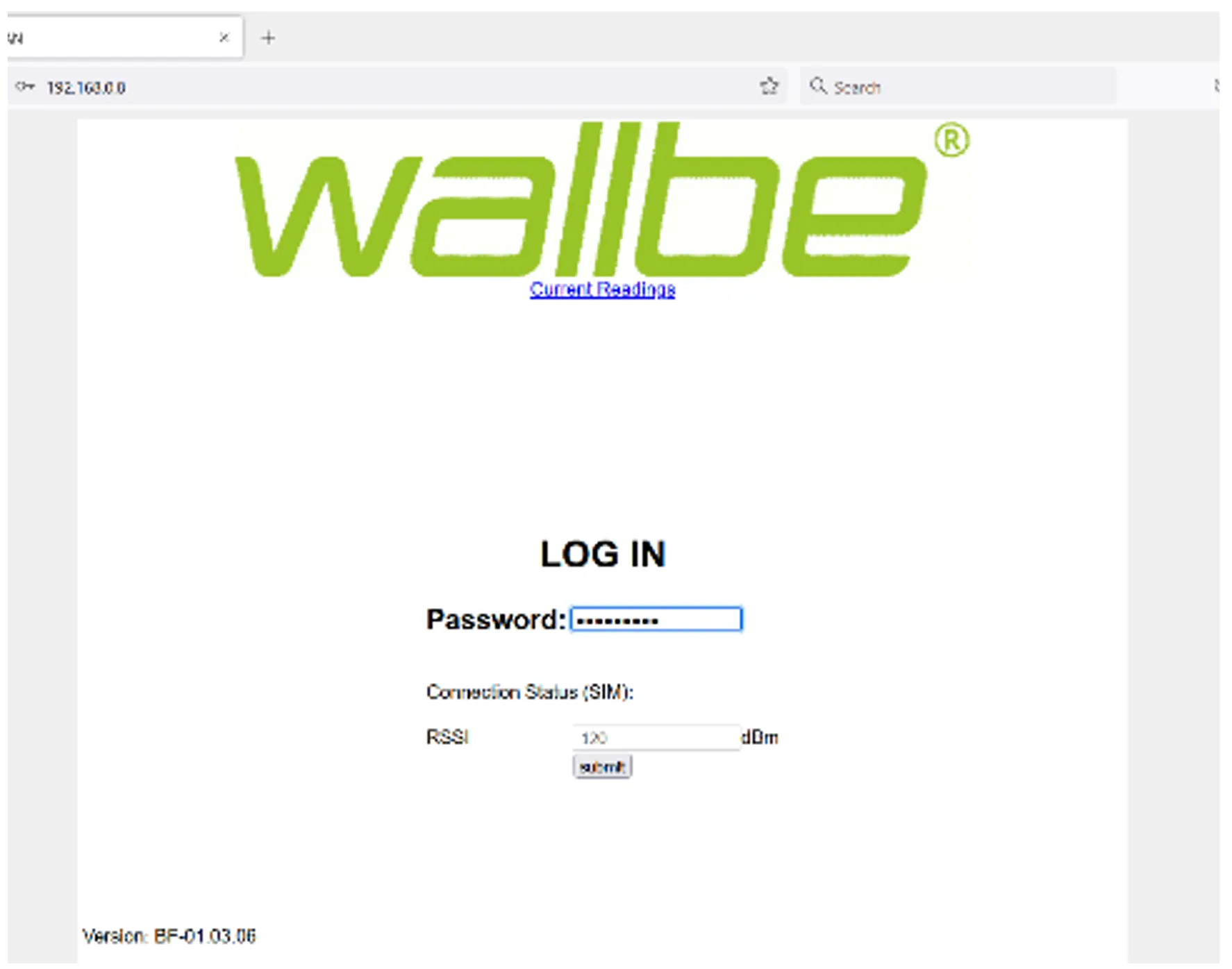
- Connect the laptop directly to the charging station (e.g., via Ethernet).
- Change the IP address of the charging station as needed.
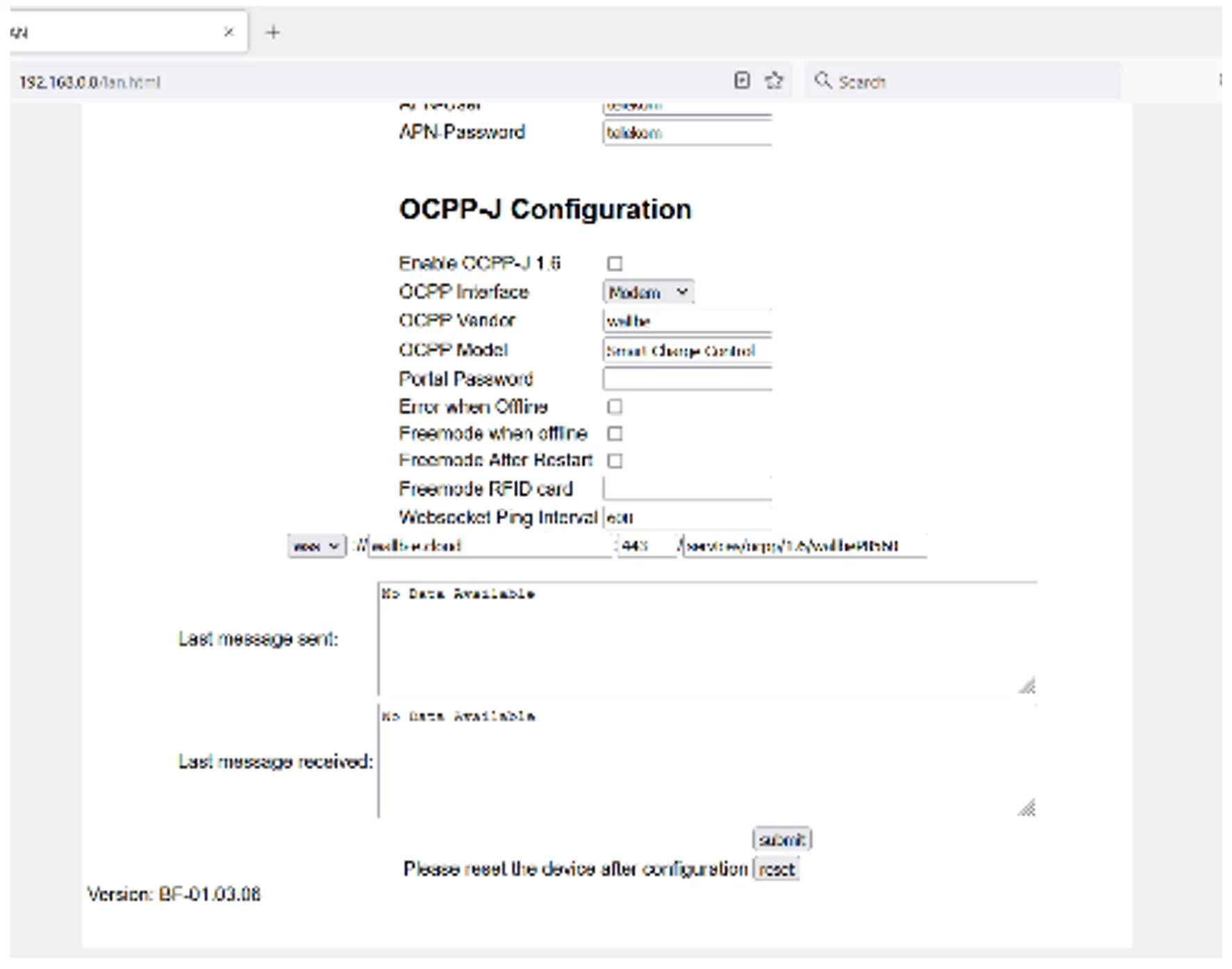
- Save the configuration.
- Power off the charging station and wait at least 40 seconds before turning it on again.